Conversion tracking is a free tool that shows you what happens after a customer interacts with your ads -- whether they purchased a product, signed up for your newsletter, called your business, or downloaded your app. When a customer completes an action that you've defined as valuable, these customer actions are called conversions.
This article explains:
For setup instructions, read different ways to track conversions.
Why use conversion tracking
- Learn which keywords, ads, ad groups, and campaigns are best at driving valuable customer activity.
- Understand your return on investment (ROI) and make better informed decisions about your ad spend.
- Use Smart Bidding strategies (such as Maximize Conversions, target CPA, and target ROAS) that automatically optimize your campaigns according to your business goals.
- Find out how many customers may be interacting with your ads on one device or browser and converting on another. You can view cross-device, cross-browser, and other conversion data in your “All conversions” reporting column.
How conversion tracking works
For subtitles in your language, turn on YouTube captions. Select the settings icon at the bottom of the video player, then select "Subtitles/CC" and choose your language.
Conversion tracking starts with you creating a conversion action in your Google Ads account. A conversion action is a specific customer activity that is valuable to your business. You can use conversion tracking to track the following kinds of actions:
- Website actions: Purchases, sign-ups, and other actions that customers complete on your website. Learn more about how Google Ads tracks website conversions.
- Phone calls: Calls directly from your ads, calls to a phone number on your website, and clicks on a phone number on your mobile website. Learn more about phone call conversion tracking.
- App installs and in-app actions: Installs of your Android or iOS mobile apps, and purchases or other activity within those apps. Learn more About mobile app conversion tracking.
- If you have both a website and a mobile app, you can set up app conversion tracking using Web to App Connect. Once you’ve used the Web to App Connect interface to set up conversion tracking and deep linking (which allows you to link from your ads directly into your business app), you can provide a seamless web-to-app experience for your customers and drive on average 2 times higher conversion rates for ad clicks landing in your app compared to your mobile website.
With Web to App Connect, customers can easily complete their intended action, whether purchasing, signing up, or adding items to their cart. Plus, from within the Web to App Connect interface, you can track these in-app conversion actions and get recommendations on how to improve your campaign.
To get started with Web to App Connect, follow the 3 steps below:
- In your Google Ads account, click the Tools icon
.
- Click the Planning drop down in the section menu.
- Click App advertising hub. This will take you to the Web to App Connect interface.
Learn more about converting better with the Web to App Connect interface.
- Import: Customer activity that begins online but finishes offline, such as when a customer clicks an ad and submits a contact form online, and later signs a contract in your office. Learn more About offline conversion imports.
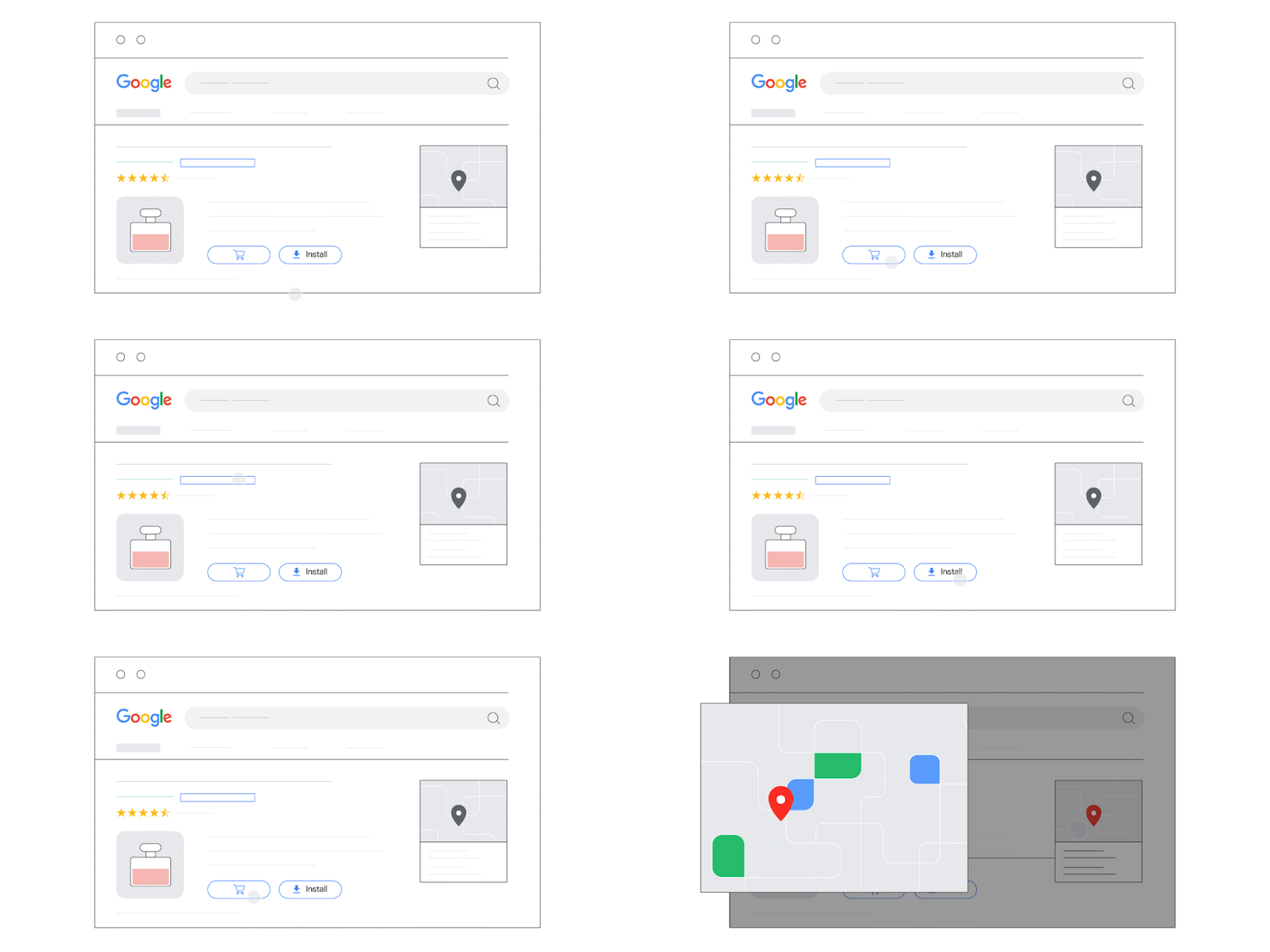
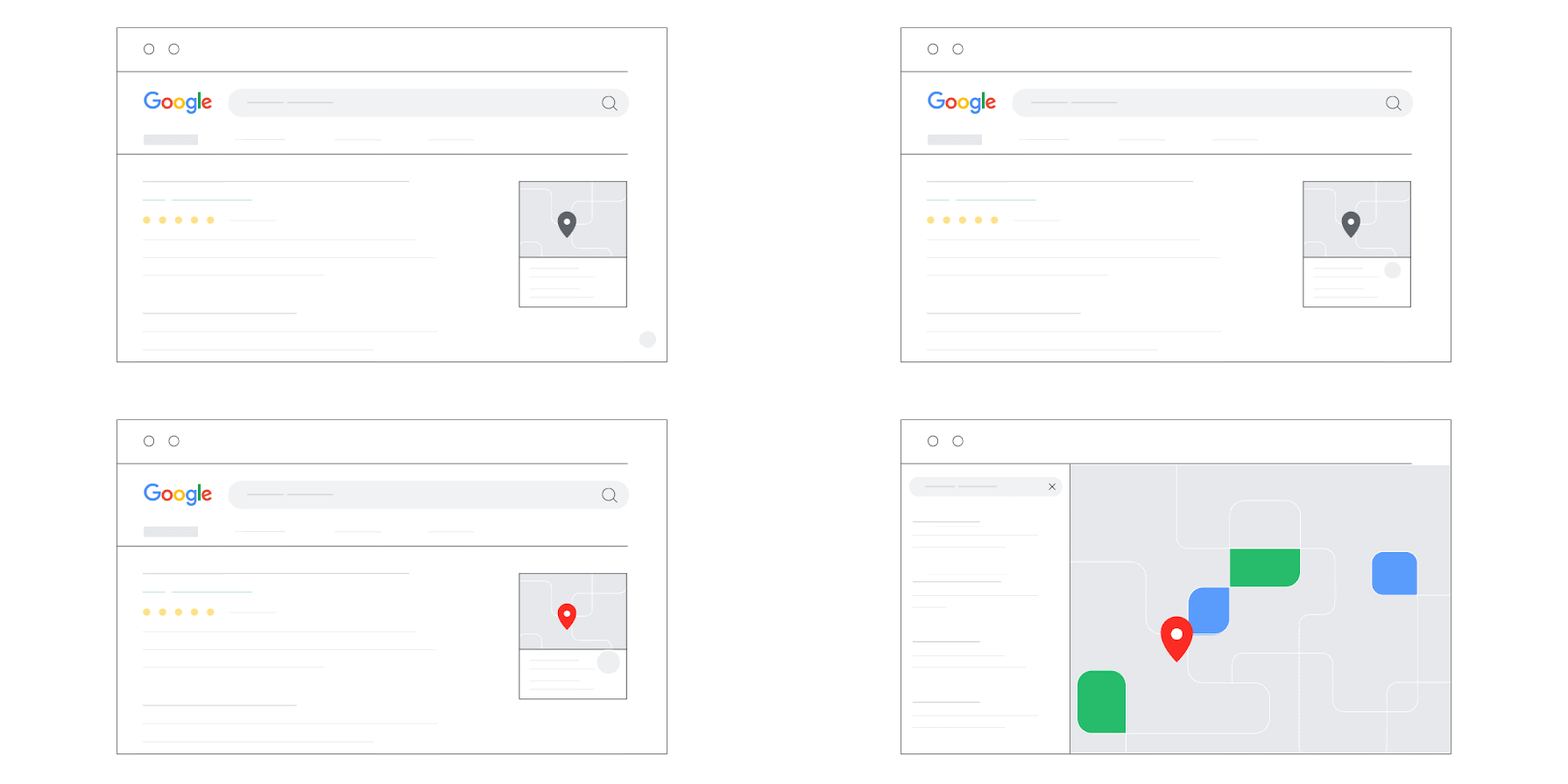
- Local actions: Actions that are counted whenever people interact with an ad that’s specific to a physical location or store. Learn more About local conversion actions.
For subtitles in your language, turn on YouTube captions. Select the settings icon at the bottom of the video player, then select "Subtitles/CC" and choose your language.
The conversion tracking process works a little differently for each conversion source, but for each type besides offline conversions, it tends to fall into one of these categories:
- You add a Google tag, or code snippet, to your website or mobile app code. When a customer clicks on your ad from Google Search or selected Google Display Network sites, or when they view your video ad, a temporary cookie is placed on their computer or mobile device. When they complete the action you defined, our system recognizes the cookie (through the code snippet you added), and we record a conversion.
- Some kinds of conversion tracking don’t require a tag. For example, to track phone calls from call assets or call-only ads, you use a Google forwarding number to track when the call came from one of your ads, and to track details like call duration, call start and end time, and caller area code. Also, app downloads and in-app purchases from Google Play, and local actions will automatically be recorded as conversions, and no tracking code is needed.
After you’ve set up conversion tracking, you can view data on conversions for your campaigns, ad groups, ads, and keywords. Viewing this data in your reports can help you understand how your advertising helps you achieve important goals for your business.
Security and privacy for conversion tracking
Google has strict security standards. Google Ads only collects data on sites and apps where you have configured tracking.
Ensure that you provide users with clear and comprehensive information about the data you collect on your sites, apps, and other properties. Make sure that you also get consent for that collection where required by law or any applicable Google policies governing user consent, including Google’s EU User Consent Policy.
Note: If you haven't obtained users’ consent for the collection, sharing, and use of personal data for personalization of ads where legally required, be sure to disable the collection of remarketing data. Learn how to modify the Google tag to disable the collection of personalized advertising data for specific users.
